A collection of official and recreated art assets for use in your projects. This spans fonts, weapon art, brushes, and customizable elements such as Splashtags.
For any community-made assets, be sure to credit the artist!
In-Game Assets#
Fonts#
- Splatoon Fonts: Datamined fonts used in Splatoon 3. Notably includes BlitzMain and BlitzBold - the standard and bold Splatoon fonts.
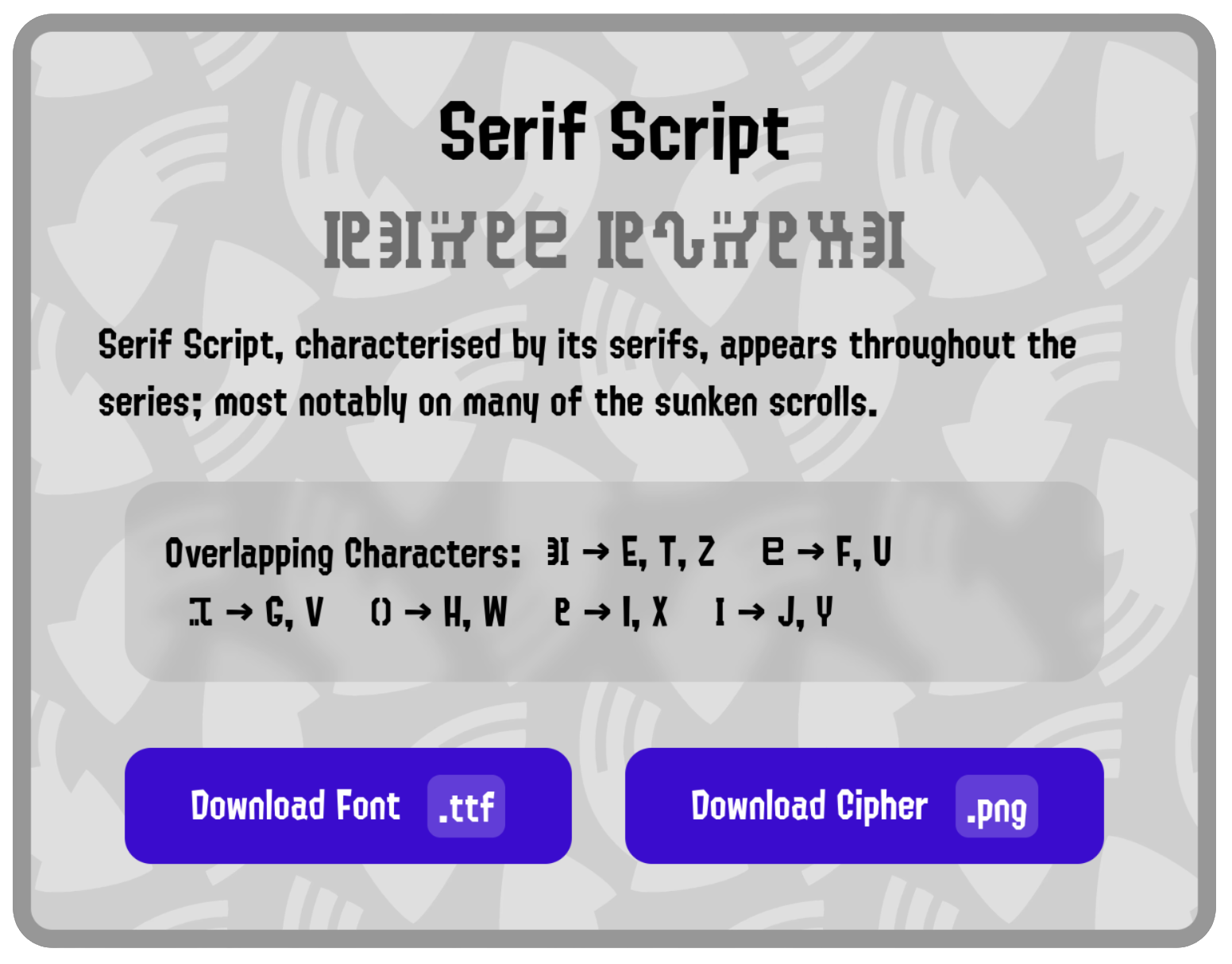
- Splatoon Scripts (deciper.ink): Collection of scripts across the Splatoon series, with both fonts and cipher images available for each. Many contain overlapping characters.
Renders and Backgrounds#
- Splatoon 3 Wallpapers: Wallpapers using official renders and patterned backgrounds (such as the one for Sunken Scroll’s background!)
Datamined Assets#
- Splatoon 3 Databases: Collection of Splatoon 3 assets
- Weapon and Gear Database: 2D icons for each weapon and renders for all wearable gear.
- Tableturf Database: Tableturf art for each weapon, character, enemy, and brand.
- Collectibles Database: All banners, badges, locker renders, and emote silhouettes.
- Splatoon 2 Databases: Collection of Splatoon 2 assets
- Weapon and Gear Database: Renders for each weapon, sub and special icons, and renders for all wearable gear.
- Mem Cakes: Icons for each Mem Cake.
Community Art#
Recreated Assets#
- Ability Icons: Gear ability icons recreated at a higher resolution, with and without circular backgrounds.
- Game Mode Icons: Icons for turf war + ranked modes recreated at a higher resolution.
- Sub and Special Icons: Each sub and special weapon recreated at a higher resolution, with additional outline options for each.
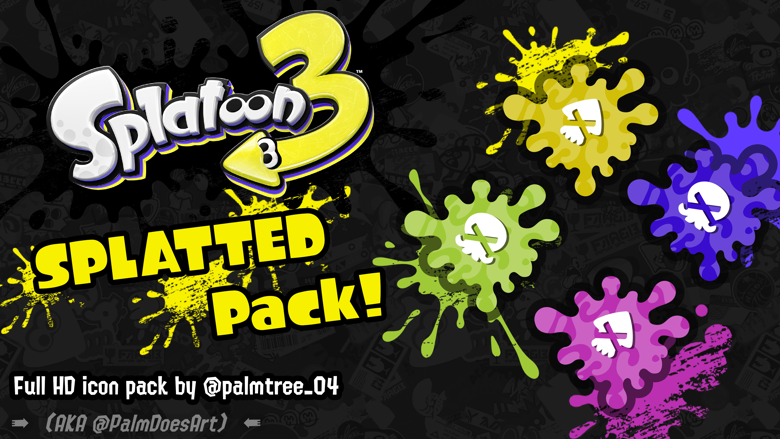
- Splatted! Icons: Recreated icons for splatting an opponent in high resolution, for every ink color and inklings/octolings.
New Assets#
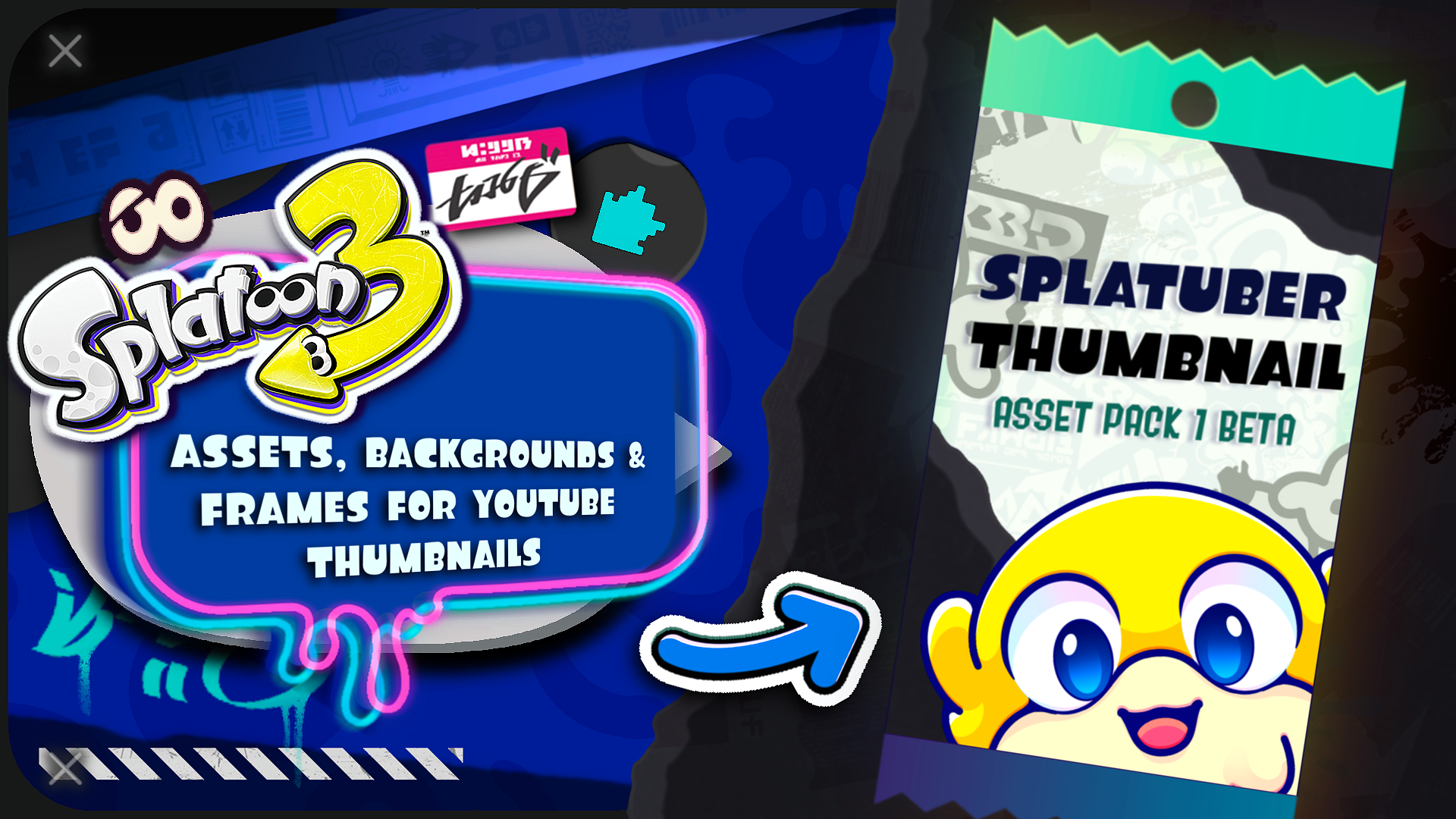
- Splatuber Thumbnail Pack: PSD with custom assets intended for creating Splatoon video thumbnails.
- Splatoon Badges: Custom badges like sub weapons, Grizzco weapons, and Salmon Run/Side Order enemies. Also has all base game badges.
- Locker Templates and Graffiti: Redrawn and new in-game brand art, locker templates, and recreated graffiti.
Brushes#
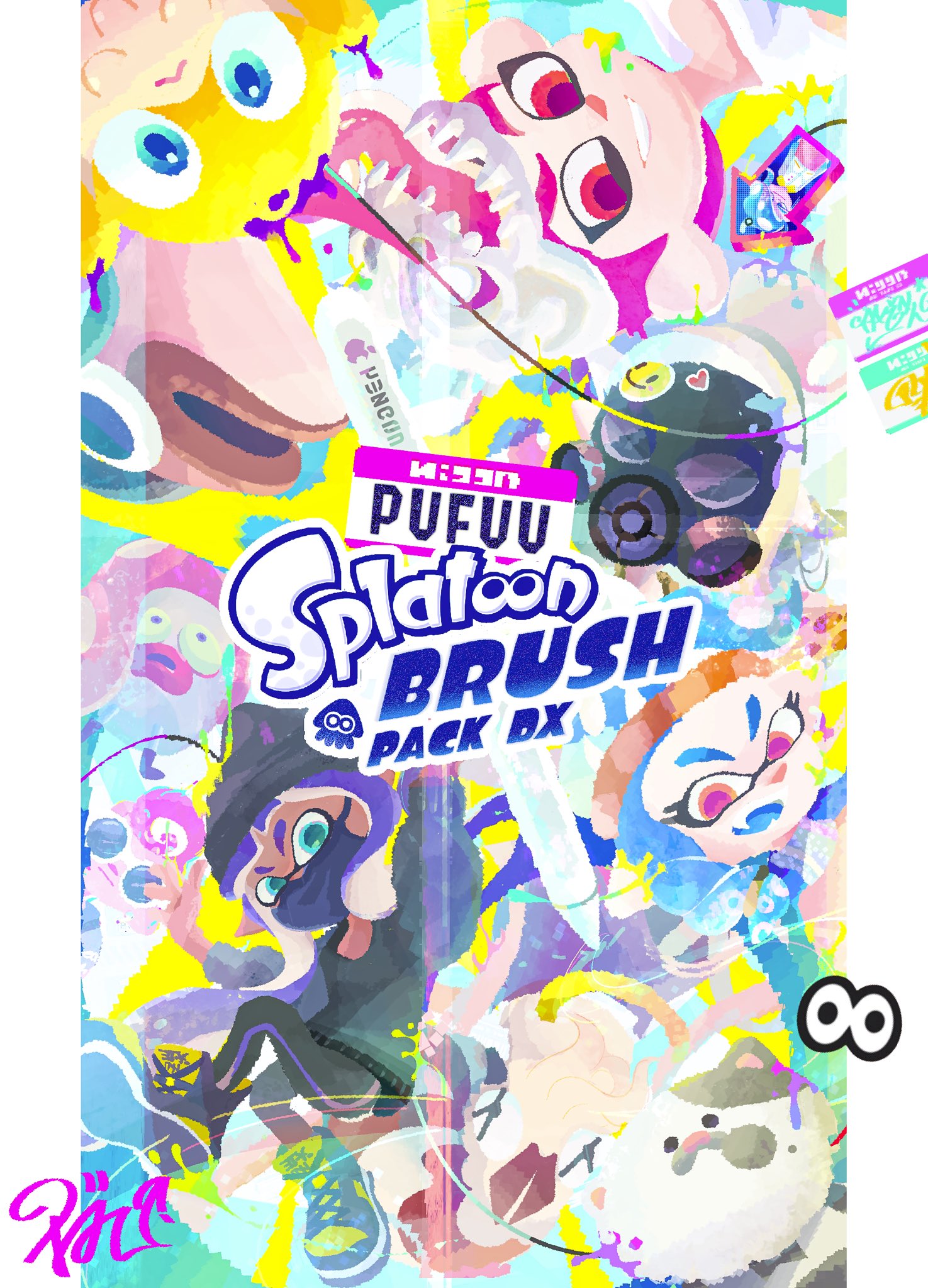
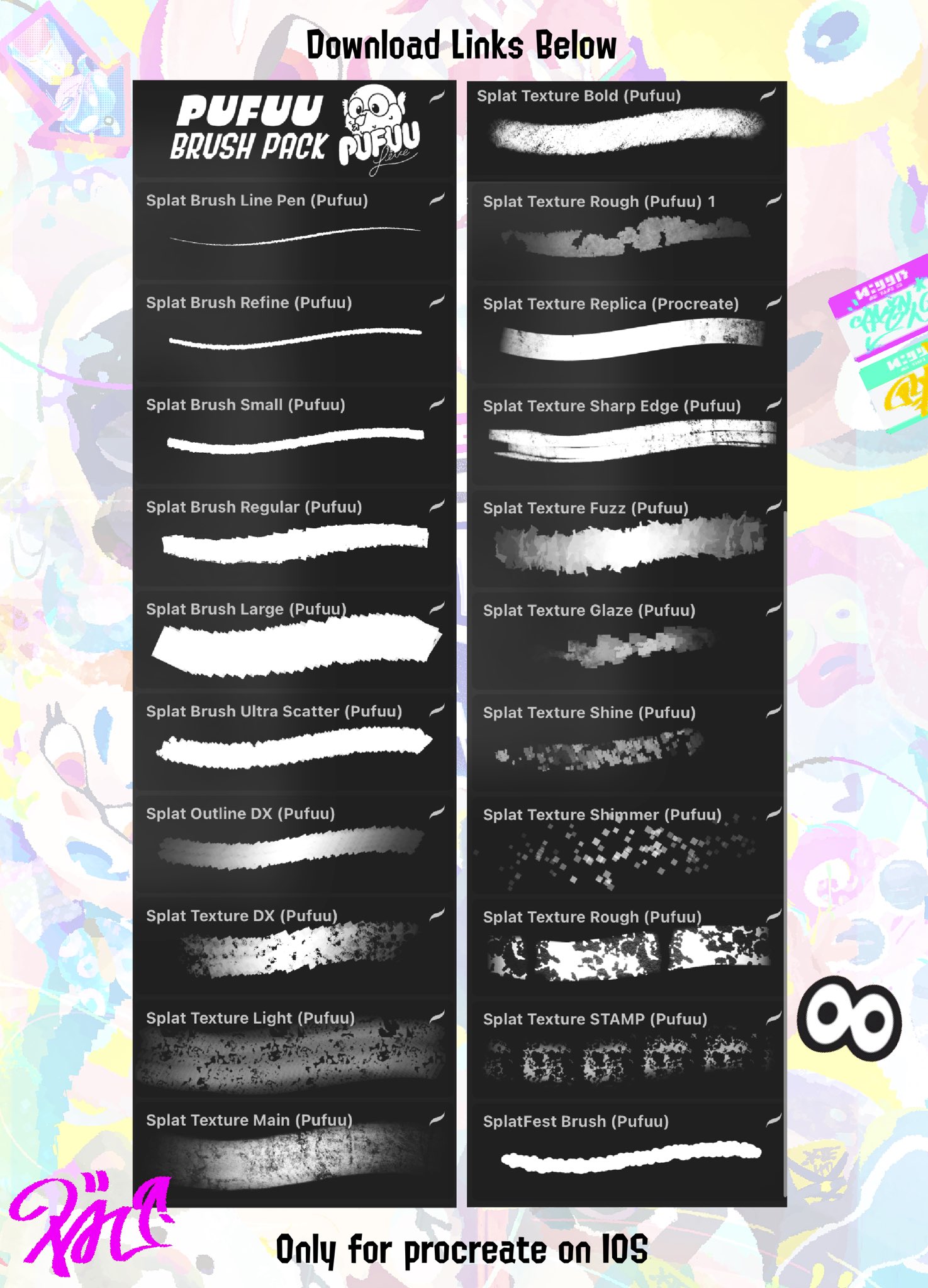
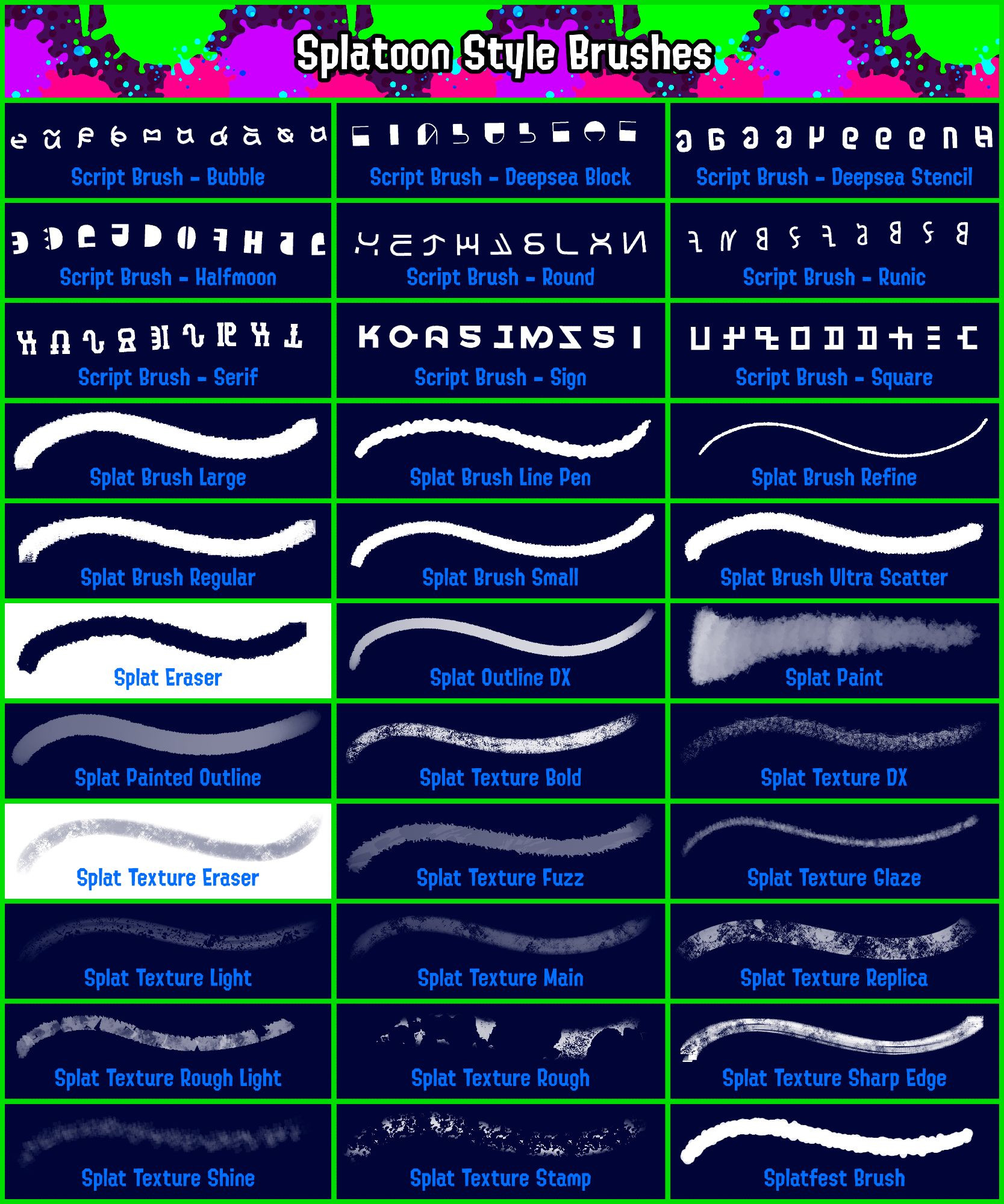
- Splatoon Brush Pack DX (Procreate): Collection of brushes to emulate official Splatoon artwork.
- Splatoon Style Brushes (Clip Studio Paint): Collection of brushes to emulate official Splatoon artwork.
Customizable Assets#
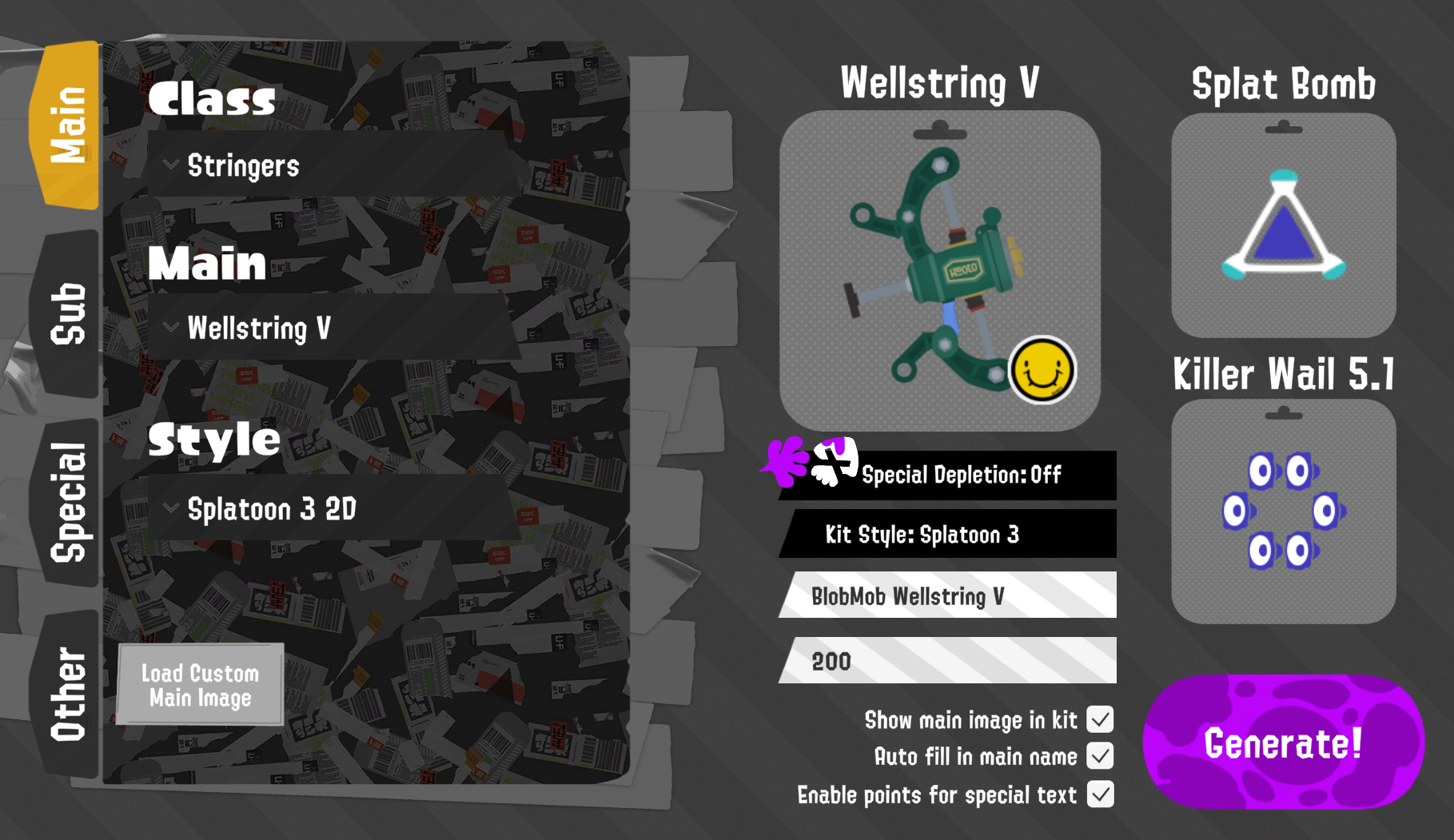
- Weapon Kit Generator: Create weapon kit images with options like brand, sub/special, and uploading custom assets.
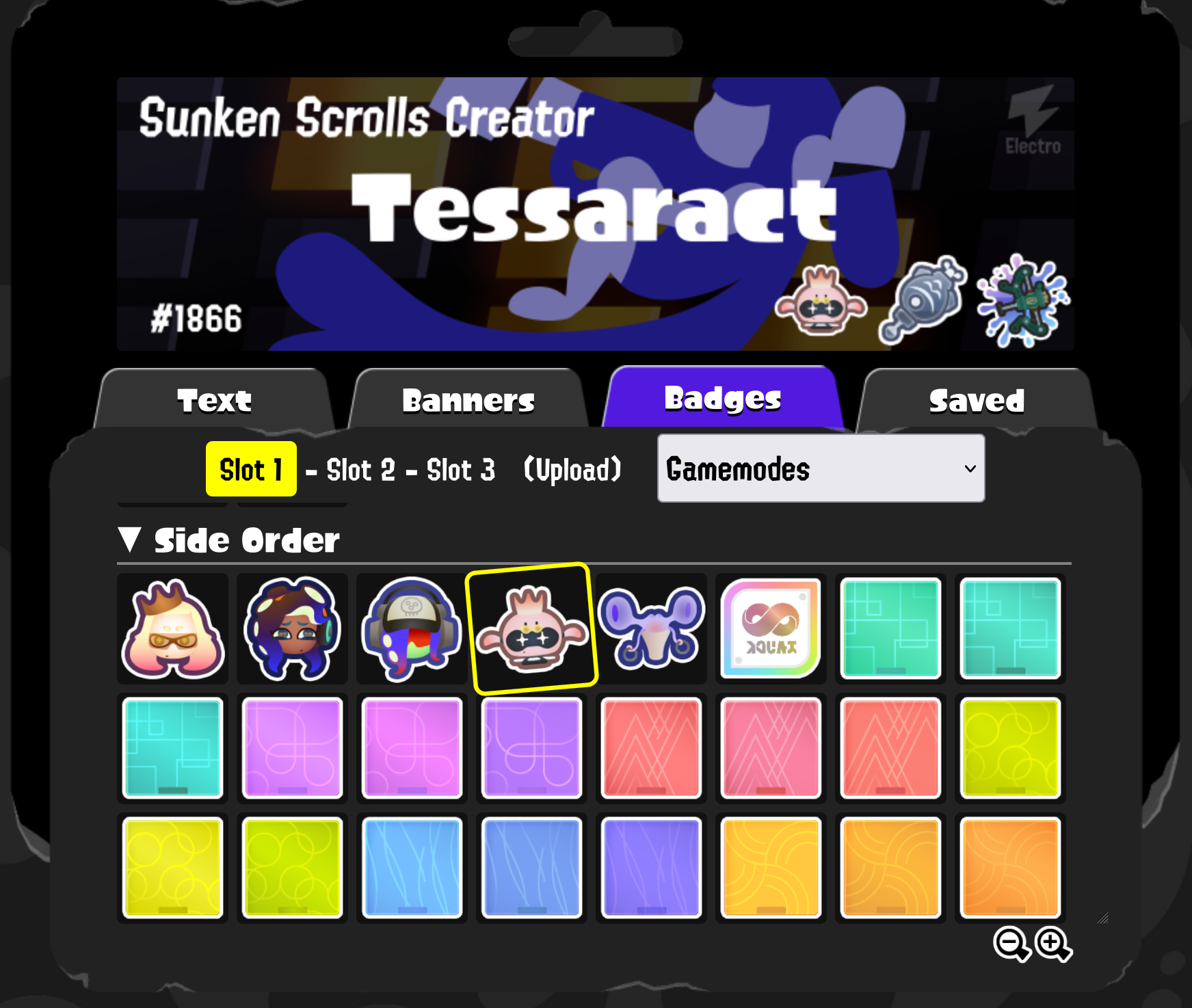
- Splashtag Maker: Create Splashtags and attributes like title, banner, and badges. Includes custom assets for badges, banners, or the ability to upload your own.
Stream Overlays#
- Sendou.ink Automatic Scoreboard: Automatically populates match information like players and scores via a sendou.ink match link.
- Sendou.ink Scoreboard Tutorial: Video guide on using the spreadsheet and integrating it into OBS.
- Splat Weapon Tracker: NodeCG bundle to track weapons obtained from Salmon Run, random weapon challenges, and gimmick tournaments.